The crew plan changes right up to doors opening
Cancellations, new freelancers and changing call times can make a static sheet outdated before the first guest arrives.
Events
Gather event crew, roles, meeting times, changes and actual hours in one schedule that follows the team from build to tear down.
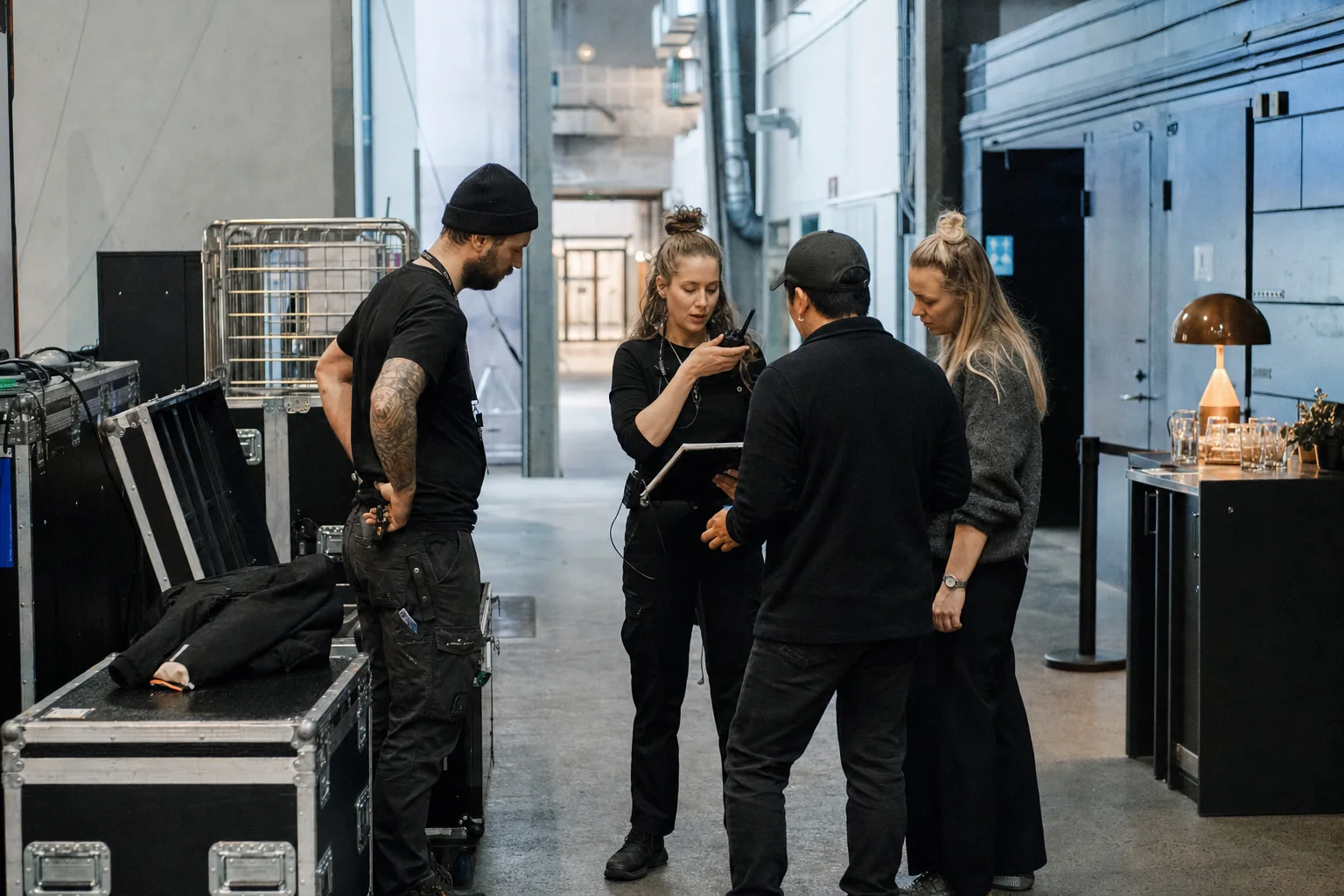
Cancellations, new freelancers and changing call times can make a static sheet outdated before the first guest arrives.
Technical crew, runners, check-in, cloakroom and bar staff meet in different places and at different times.
Set-up, the event itself and breakdown do not always finish as planned, so actual hours need to be approved afterwards.
Combine set-up, show, serving and take-down in one plan with clear roles and meeting places.
Move a meeting time or entrance without sending another message to everyone not affected.
Collect actual end times and variances so the event's hours are ready for approval and payroll.
Open the vacant role for relevant employees, approve the replacement and update the plan in one place.
Send updated practical information directly to the crew reporting for work.
Record the actual end times and collect allowances and variances before the payroll report.
Continue with the features and industry examples that are closest to your working day.
Yes. Shifts can be organized by event, venue, time and role.
Yes. Relevant employees can view and request open shifts that a manager approves.
Yes. The shift can show the role, meeting time and practical information so that the staffing is clear.
The employee records the actual end time and the manager approves the deviation before the payroll report.
Yes. Events and venues can be kept separate with relevant roles and manager access.